familyatlas.io Β· Coming soon

Not a company β€”built by two parents.

Other parental control apps think of their investors first, and you second. We built FamilyAtlas for our own kids β€” no data for sale, no hidden ads, just protection that actually works.

Your data is never sold No ads, no tracking One honest price
Coming soon: Android iOS
A mother and her two children looking at FamilyAtlas's protection features on a phone
Ece's screen: Protection active
Just updated
Focus time has started
4:00 PM – 6:00 PM
✦Designed for kids, not for profit ✦Your data is never sold to third parties ✦Honest with both parent and child ✦No hidden fees, no surprise renewals ✦Founded by two real parents
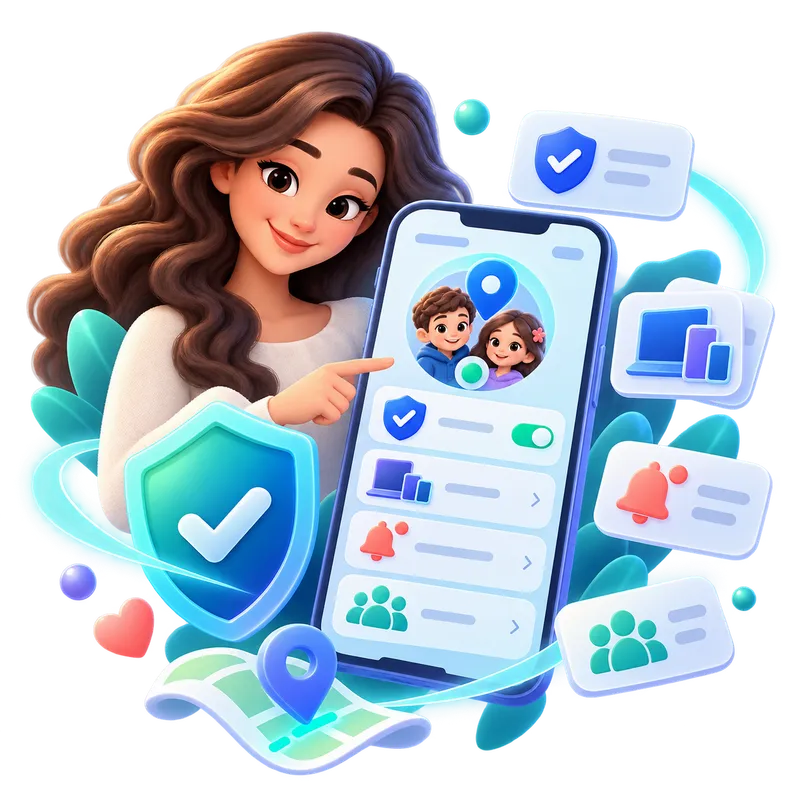
FamilyAtlas home screen β€” a family's device and protection overview
Why FamilyAtlas exists

This isn't a "growth metrics" product.
It started for our own kids.

Most other parental control companies have one goal: getting you to renew your subscription. Their screens are designed to scare you into buying, then forget about you. We used one ourselves β€” and it wasn't enough for our own family.

We're parents too. We wrote code because we're parents who want to know what's happening on our child's phone, but also want to respect their privacy. We built FamilyAtlas not for investors, but for the arguments at our own kitchen table: "How much screen time should there be tonight?", "Are they safe after school?", "Should I let them download this app?"

That's why we don't sell your data, we don't quietly show your child ads, and we don't inflate our price with fake discount tricks. We have one purpose: to keep your family safe.

ES
The founders, FamilyAtlasTwo parents, one purpose
Our privacy promise

3 things no other app
tells you.

These products see your child's location, messages, and screen habits β€” but almost none of them openly explain what they do with your data. We're telling you upfront.

01

Your data is never sold

Your child's location, usage, or content data is never sold or shared with third parties, advertisers, or data brokers, under any circumstances. Full stop.

02

No ad targeting

Your family's data is never used to build an advertising profile. You are our customer β€” not a product for sale.

03

When you delete it, it's really deleted

When you close your account, your data is completely removed from our servers. There's no secret copy kept forever.

How it works

Live a day
with FamilyAtlas.

Not a fancy demo β€” the flow of a real day. Scroll and watch the app's screens change.

1

Create your parent account

Sign up with email, and set up your family and profiles in a few minutes.

2

Connect your child's device

Pair it with an activation code or a QR code β€” the setup wizard guides you step by step.

3

Set the rules, then let go

Choose the filter level, schedule, and focus hours. FamilyAtlas applies them quietly.

Morning β€” the before-school routine

The morning routine starts on its own: educational apps are open, social media and games are locked during school hours. You don't have to do a thing.

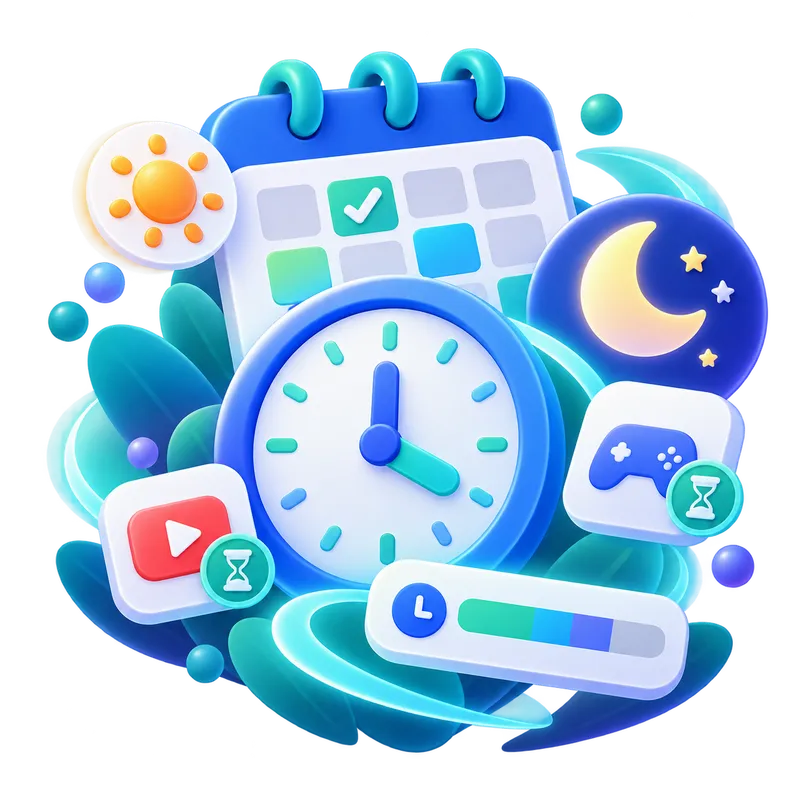
Screen time and schedule screen

After school β€” a reassuring notification

Your phone lets you know when your child leaves school and heads home. You're not watching constantly β€” you just know about the moments that matter.

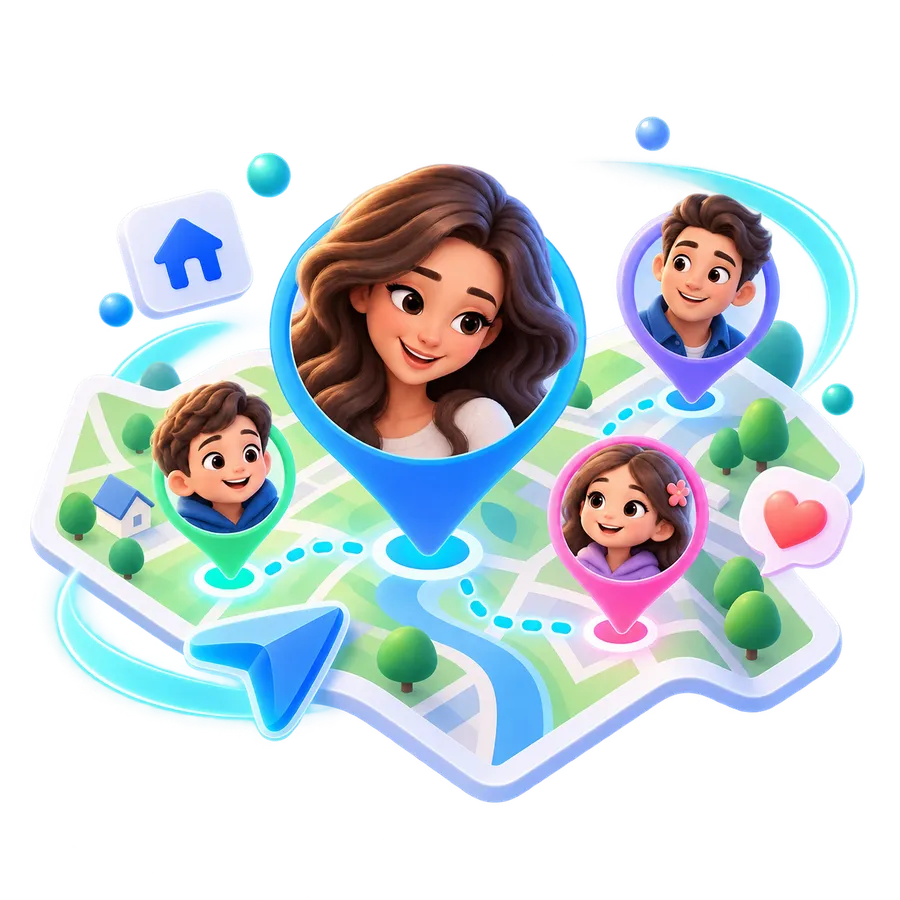
Family location map

Focus time β€” quiet for homework

Distracting apps are switched off for 2 hours, while educational tools stay open. Your child can ask you for extra time whenever they need it.

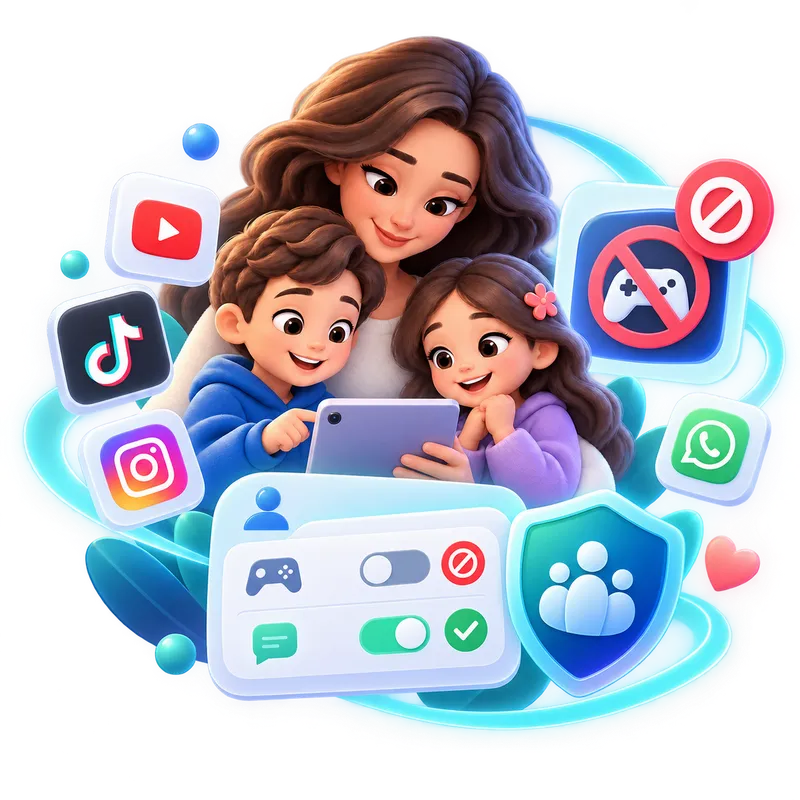
App rules and blocking screen

Bedtime β€” screens wind down gently

As bedtime nears, the screen dims, but the morning alarm still works. You know everything's fine without even glancing at your phone.

Protection active status screen
Try it yourself

Your whole family, one screen.
Tap around and see.

The solar system below is a small working copy of the FamilyAtlas home screen. Tap a child and their phone and settings gather around them.

This section is a demonstration. The family, the devices and the settings here are sample data: nothing you change is saved, written to any account, or sent to any device.

A sample family

Tap a family member, or choose one with the keyboard.

The YΔ±lmaz family Sample data

Device settings

This device: running normally right now. In the real app you can pause this device here, or start it again.

This is a demo: no device is actually paused.

Screen time

This child: daily time for fun. Learning apps sit outside this limit.

This is a demo: the limit you choose is not saved anywhere.

App permissions

This child: which groups of apps can they use?

This is a demo: no app is actually blocked.

Web filter

This child: the content level. It loosens as a child grows up.

This is a demo: no site is actually filtered.

Bedtime

This child: when should the screens go off? The morning alarm still rings either way.

This is a demo: no screen actually switches off.

What you can do

Features you'll
actually use.

Instead of dozens of confusing menus, nine core tools that genuinely help in everyday life.

Smart content filtering

Age-appropriate category and platform rules β€” no need to block every single site one by one.

By categoryBy platformAdd custom sites

Screen time and scheduling

Daily limits, bedtimes, and focus windows β€” set up with a single tap.

Daily limitWeekend differenceBedtimes

Focus time

Automatically turns off distractions during homework or study hours, while keeping educational tools open.

Study hoursExam modeExtra time request

Family location

Not constant tracking β€” a notification for the moments that matter: arriving home, leaving school, leaving a safe zone.

Arrived homeLeft schoolSafe zone

Reward system

Instead of imposing bans, reward good habits with extra time or small privileges.

Extra timeSmall privilegesAchievement tracking

Transparent protection status

The moment a permission gets turned off or a rule can't be applied, you find out instantly β€” you're never left in the dark.

Instant alertFix suggestionPermission tracking

Platform and app control

Allow, limit, or fully block each app and platform β€” without hunting down individual sites.

Allow / limit / blockApp-specific rules

Multi-device management

Phone, tablet β€” manage all of your child's devices from one profile, with one set of rules.

Multiple devicesSingle profileEasy pairing

Usage history and trends

See how much time is spent in which app with weekly summaries, and turn it into a conversation.

Weekly summaryPer-app timeTrend charts
What are you worried about?

Every worry you have
has a solution.

An honest comparison

We looked at the parental control
apps on the market.

The core features are similar across most apps. The real difference is how open they are with you β€” and what they do with your data.

FamilyAtlas
Most apps on the market*
Screen time, filtering, location alerts
Usually included
Price shown clearly on the homepage
Mostly hidden or behind a "discount"
No fake discounts / countdown pressure
Frequently used
"We don't sell your data" pledge stated clearly
Almost none mention this
A site with a human face introducing its founders
Almost nonexistent
Doesn't read your child's message content
Varies by app

*Based on general trends observed on the public websites of Bark, Qustodio, Mobicip, Aura, Norton Family, Google Family Link, FamilyTime, and Net Nanny (as of early 2026). This comparison reflects general observation and doesn't target any specific product.

Honest with everyone

What does the parent see,
what does the child see?

Most apps hide this. We don't β€” because trust is stronger than secret surveillance.

A view from the parent control panel

In your control panel:

  • Screen time summary and app usage trends
  • Location alerts: arriving home, leaving school, safe zone
  • Full control over filter and schedule rules
  • Protection status: an instant alert if something gets disabled
A view from the child's home screen

On your child's screen:

  • Remaining screen time and active rules β€” clear and easy to understand
  • Sending the parent a request for extra time or a new app
  • Seeing the rewards and progress they've earned
  • Message content isn't read β€” only safety alerts are shared

Our goal isn't to spy, it's to protect. We don't read your child's private messages; we only let you know when there's a genuine risk.

For every age

As your child grows,
the app grows with them.

A 2-year-old and a 16-year-old don't need the same thing. FamilyAtlas suggests rules by age, and you approve them.

Preschool age-group character 2–5 years

Calm routines

Bedtimes and simple, safe content.

  • Only educational apps are open
  • Fixed sleep and screen hours
6-9 age-group character 6–9 years

Safe exploration

Location sharing and the first digital boundaries.

  • School-route location alerts
  • Age-appropriate content categories
10-13 age-group boy character 10–13 years

Balanced freedom

Balancing homework and play, and focus time.

  • Focus mode during study hours
  • Time limits for social media
14-17 age-group boy character 14–17 years

Responsible independence

Fewer restrictions, more transparent boundaries.

  • Setting their own goals
  • Transparent, mutually agreed rules
Honest pricing

No inflated discounts.
One price, the whole family.

We make money from you β€” not from your data. That's why we don't hide our price, or pad it out with fake discounts.

Family Plan
$9.99/mo

Unlimited devices Β· All profiles Β· Cancel anytime, no strings attached

  • Unlimited child profiles and devices
  • Filtering, scheduling, focus time, rewards
  • Location alerts and usage summaries
  • Your data is never sold, no ad targeting
Join the early access list
Coming soon: Android iOS
Blog

What we write about family
and digital safety.

See all articles
Frequently asked

Frequently asked questions

Does FamilyAtlas really not sell our data?
No. Our business model isn't ads or data sales β€” it's a direct family subscription. We have no incentive to share or sell your data with third parties, because we simply don't have that revenue stream.
Can I read my child's messages?
No, we don't show message content. Our goal is protection, not surveillance; we alert you when there's a risky situation, but we don't show private conversations.
When does it launch?
FamilyAtlas is currently in active development. Families who join the early access list will be the first to hear about invitations and our special launch price.
Which devices will it work on?
We're building parent and child apps for Android and iOS. Both platforms will be supported at launch.
Can I cancel my subscription anytime?
Yes. There's no hidden renewal or exit barrier β€” you can cancel anytime and keep using it for the rest of your paid period.
What exactly is included in the price?
One price includes unlimited child profiles and devices, content filtering, screen time and schedule management, focus time, the reward system, location alerts, and usage summaries. You don't need to buy any add-on modules.
I have more than one child β€” do I pay extra?
No. The family plan covers unlimited profiles and devices β€” no extra charge for a second or third child.
Where and how is my data stored?
Your data is stored on encrypted servers and is tied only to your family's account. As detailed in our privacy promise, it's never shared with or sold to third parties.
How long does setup take?
Creating a parent account takes a few minutes. Connecting your child's device with an activation code or QR code is just as quick β€” no technical knowledge required.
What's an activation code, and where do I get one?
After creating your parent account, you're given a unique activation code. Enter this code in the FamilyAtlas app on your child's device to connect it to your family.
Early access

Be first in line
for your family's safety.

Join the list for early access and a special price before launch β€” no spam, just real updates.

Join early access β†’

Enter your email and confirm your signup on our early-access page.